
Type
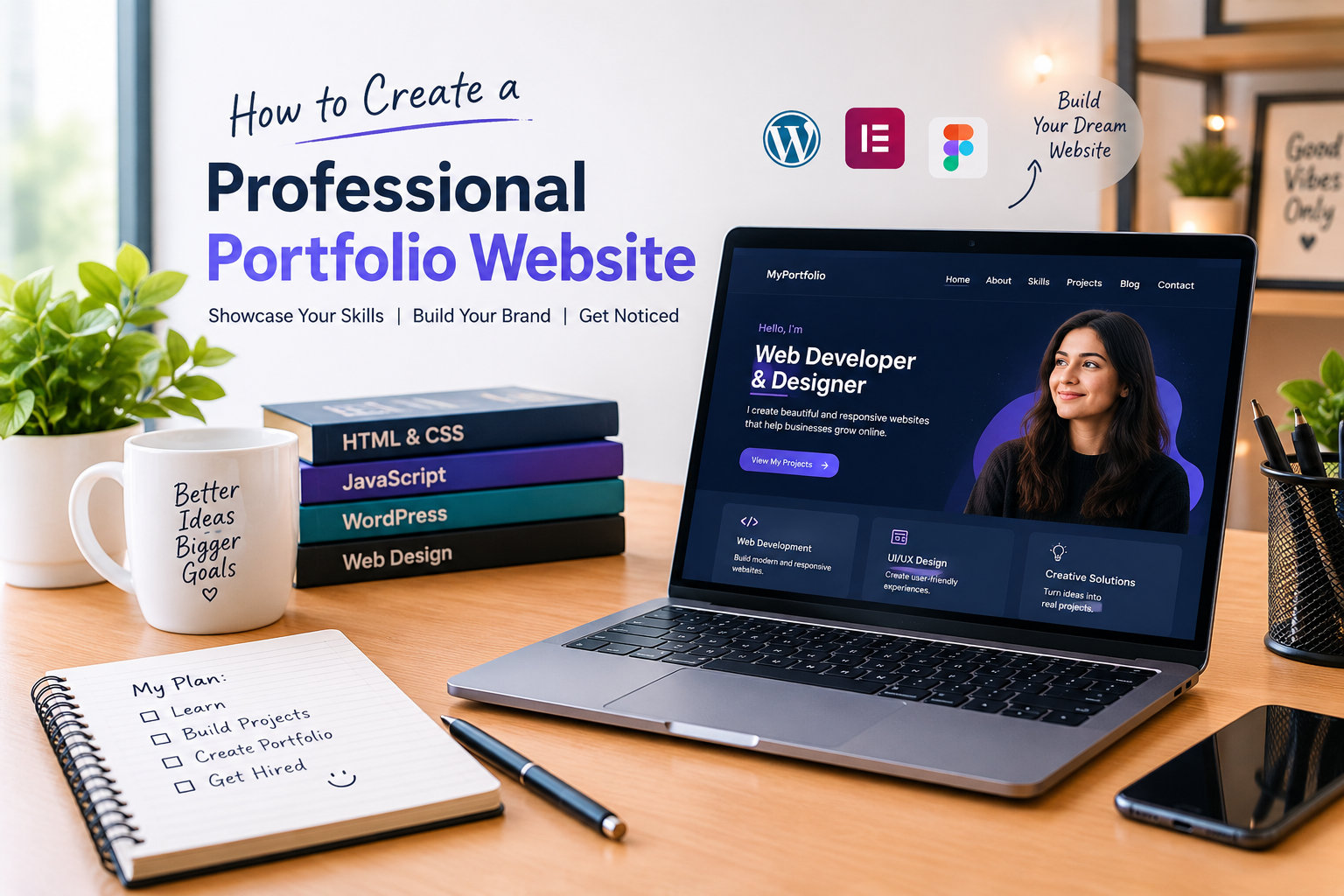
How to Create a Professional Portfolio Website: A Beginner’s Guide
A professional portfolio website is one of the best ways to showcase your skills, experience, projects, and achievements online. Whether you are a student, freelancer, designer, developer, writer, or job seeker, having your own website can help you build credibility and present your work to potential clients and employers. In today’s digital world, a well-designed portfolio makes it easier for people to understand what you do and why they should work with you.
Creating a professional portfolio website does not require advanced coding knowledge. With WordPress, a suitable theme, and a clear plan, beginners can build an attractive and useful website without writing complicated code. This guide explains how to plan, design, create, and optimize a portfolio website that presents your work professionally and provides a better experience for visitors.
What Is a Professional Portfolio Website?
A professional portfolio website is a personal website that presents your background, abilities, work samples, and professional achievements. Unlike a traditional résumé, which mainly summarizes your qualifications and employment history, a portfolio website gives visitors an opportunity to explore your work and understand your skills through real examples.
For instance, a web designer can display website designs, while a developer can showcase completed projects and explain the technologies used. A content writer can publish writing samples, and a student can present academic projects, certifications, and relevant skills. The content depends on your profession, but the main purpose remains the same: to demonstrate your value in a clear and professional way.
A strong portfolio should also make it easy for visitors to contact you. When your website combines useful information, a clean design, and clear navigation, it can support your career development and help you create a stronger professional presence online.
Why Do You Need a Professional Portfolio Website?
A professional portfolio website gives you greater control over how you present yourself online. Instead of depending entirely on social media profiles or third-party platforms, you can organize your work in one place and update it whenever your experience or goals change.
A portfolio can also help employers and clients evaluate your abilities before contacting you. Showing completed work, explaining your contribution, and describing the results of a project can provide more useful evidence than simply claiming to have a particular skill. If you are starting your career and have limited professional experience, personal projects and practice work can still demonstrate your motivation, creativity, and willingness to learn.
Another advantage is discoverability. When your website contains useful, original content and follows search engine optimization best practices, search engines may be able to understand and display its pages in relevant search results. Results are never guaranteed, but a well-maintained website can become a valuable part of your long-term professional identity.
How to Create a Professional Portfolio Website with WordPress
WordPress is a popular website-building platform that allows beginners to create and manage websites without needing to code everything from scratch. Before building your website, decide what you want to achieve. Your purpose will influence the design, content, navigation, and projects you choose to display.
Start by choosing a domain name that represents your name, profession, or personal brand. Select reliable hosting and install WordPress if your hosting provider does not already include it. A short, memorable domain is generally easier to share and remember, so avoid unnecessary words and confusing spellings.
After setting up WordPress, choose a responsive theme that suits your portfolio. A lightweight theme such as Kadence can help you customize layouts, colors, typography, and page sections using the WordPress block editor. Choose a design that supports your content instead of distracting visitors with excessive animations, decorative effects, or complicated navigation.
Create your main pages and give each page a clear purpose. Keep the design consistent throughout the website, use readable fonts, maintain enough spacing between sections, and make sure that buttons and links are easy to recognize. Before publishing, preview the website on desktop and mobile devices to check that the layout works properly on different screen sizes.
Essential Pages for a Professional Portfolio Website
Your homepage is often the first page visitors see, so it should communicate who you are, what you do, and how you can help. Use a clear headline, a short introduction, and a professional photograph or relevant visual. Include a prominent button that directs visitors to your projects, services, or contact page. Avoid writing a long introduction on the homepage because visitors should be able to understand your main message quickly.
The About Me page gives visitors more information about your background, interests, education, and professional goals. Write in a natural and honest style rather than using generic statements. Explain what you are learning, what kind of work interests you, and what makes your approach valuable. You can connect this page to your existing About Me page so readers can explore your background in more detail.
Your Skills page should describe the abilities relevant to your profession. Instead of mentioning skills without explanation, provide context about how you use them. For example, if you work with WordPress, explain your experience with page building, website customization, responsive design, or content publishing, as applicable to your actual abilities.
The Projects page is particularly important because it demonstrates what you can do. Present selected projects with clear descriptions, screenshots when appropriate, and an explanation of your role. If you are a beginner, personal projects and practice websites are acceptable when they are clearly identified as such. Never claim that practice work was completed for a real client if that is not true.
A Services page can explain the specific work you offer, such as website design, content writing, or other services that match your experience. Describe what each service includes and make it easy for potential clients to ask questions. Your Contact page should provide a simple way to reach you through a contact form or professional email address. Make sure the contact form works before publishing the website.
How to Design a Clean and Attractive Portfolio
Good portfolio design focuses on clarity, consistency, and usability. Choose a small set of complementary colors and use them consistently across headings, buttons, backgrounds, and links. Select readable typography and establish a clear visual hierarchy so visitors can distinguish the main heading from supporting text and smaller section titles.
Use high-quality images that genuinely relate to your work. Large images can make a page slower, so resize and compress them appropriately before uploading. Give meaningful images descriptive alternative text, commonly called alt text, to help communicate their purpose to visitors using assistive technology and to provide context when an image cannot be displayed.
White space is equally important. Leaving sufficient space between sections can make your content easier to read and help individual projects stand out. Avoid filling every part of the page with text, icons, animations, and buttons. A simple design that highlights your best work is often more effective than a complicated layout.
Your portfolio should also be responsive. Visitors may access it from mobile phones, tablets, or desktop computers, so check headings, images, buttons, menus, and forms at different screen sizes. Make sure text is readable without zooming and that important links can be tapped comfortably on a mobile screen.
How to Optimize Your Portfolio Website for SEO
Search engine optimization helps search engines understand your website and can improve its opportunity to appear in relevant search results. Start by selecting a clear topic for each page. Use descriptive page titles, helpful headings, and natural language that explains the content accurately. Do not repeat the same keyword unnecessarily because excessive repetition can make writing unnatural and unpleasant to read.
For an article about a professional portfolio website, choose a focus keyphrase that matches the subject and use it naturally in the SEO title, introduction, URL slug, meta description, and a relevant subheading where appropriate. Your chosen keyphrase should fit the article rather than being forced into every paragraph.
Write a unique meta description that summarizes what readers will learn. Although search engines may display a different snippet, a clear description can help people understand the page before visiting it. Keep URLs short and descriptive, and avoid changing a published URL without considering redirects and existing links.
Internal linking is another useful practice. Link relevant phrases within your article to related pages on your own website. For example, you can link the phrase “About Me page” to your actual About page and the phrase “portfolio projects” to your Projects page. These links help visitors navigate your website and help search engines discover related content.
External links can support your explanations when they lead to trustworthy, relevant resources. For guidance on WordPress, you can refer to the official WordPress documentation. For search optimization advice, consult Google’s SEO Starter Guide. Only add links that genuinely help your readers.
If you use the Yoast SEO plugin, enter your focus keyphrase and review its suggestions for the SEO title, meta description, introduction, subheadings, internal links, and image alt text. Treat its analysis as a guide rather than a guarantee of search rankings. A green indicator does not automatically mean that an article is useful, and a red indicator does not always mean that the content is poor. Focus on writing accurately, meeting the reader’s needs, and correcting genuine technical or content problems.
How to Make Your Portfolio Content More Trustworthy
A professional portfolio should accurately represent your abilities and experience. Use real examples of your work, describe your contribution clearly, and avoid exaggerated claims. If you are still learning, explain your current skills honestly and show how you are developing them through relevant projects.
Keep your information up to date. Remove outdated details, check that links still work, correct spelling and grammar mistakes, and make sure your contact information is current. If you include testimonials, qualifications, or professional achievements, ensure that they are genuine and that you have permission to publish information provided by other people.
Trust is also influenced by website usability. A visitor should be able to find your projects, understand your services, and contact you without unnecessary difficulty. Clear navigation, readable content, working forms, and consistent design all contribute to a more professional experience.
Common Mistakes to Avoid When Building a Portfolio
One common mistake is using a visually attractive design without providing enough meaningful information. A beautiful homepage cannot fully demonstrate your abilities if visitors cannot find examples of your work or understand your experience. Give each important page a clear purpose and include information that supports your professional goals.
Another mistake is copying text from other portfolio websites. Your content should reflect your own background, skills, and approach. Original descriptions help visitors understand your work and make the website more distinctive. Similarly, avoid using images or project materials without permission, and provide appropriate credit when required.
Ignoring mobile usability, slow loading times, broken links, and incomplete contact forms can also damage the visitor experience. Review your website carefully before publishing and test important features regularly. For SEO, avoid keyword stuffing, misleading titles, and unnecessary repetition. Useful content and a good user experience should remain the priority.
Conclusion
Creating a professional portfolio website is a practical way to present your skills, projects, experience, and professional goals in one accessible place. With WordPress, a suitable theme, clear page structure, and consistent design, beginners can create a website without advanced coding knowledge.
Focus on presenting genuine work, explaining your abilities clearly, and making the website easy to navigate on desktop and mobile devices. Apply basic SEO practices, connect relevant pages through internal links, and review your content regularly. Your portfolio does not need to be perfect on the first day. As you gain experience and complete new projects, you can improve the website and make it a stronger representation of your professional journey.
Frequently Asked Questions
What is a professional portfolio website?
A professional portfolio website is a personal website that presents your skills, work samples, experience, achievements, and contact information. It helps employers, clients, and other visitors understand your abilities and evaluate whether your work matches their needs.
Can I create a professional portfolio website without coding?
Yes. Beginners can use WordPress and a theme such as Kadence to build a portfolio with visual editing tools and blocks. Basic knowledge of website design can help, but advanced programming skills are not required to get started.
Which pages should a portfolio website include?
A portfolio website commonly includes a Home page, About Me page, Skills page, Projects page, Services page, and Contact page. The most suitable structure depends on your profession, experience, and goals.
How can I improve my portfolio website’s SEO?
Use descriptive page titles, relevant headings, helpful original content, short URLs, appropriate image alt text, and relevant internal and external links. Make sure the website works well on mobile devices and loads efficiently. These practices can help search engines understand your content, although they cannot guarantee a particular ranking.
Is a portfolio website useful for beginners?
Yes. Beginners can showcase practice projects, personal websites, academic work, and examples created to develop their skills. Clearly describe each project and represent your experience honestly instead of waiting until you have extensive professional experience.
How often should I update my portfolio website?
Review your portfolio whenever you complete a meaningful project, learn a relevant skill, change your services, or update your professional goals. Regular checks for broken links, outdated information, and technical issues also help keep the website useful.
Can a portfolio website help me find clients or a job?
A portfolio can support your job search or freelance work by giving employers and clients a place to review your experience and projects. Its effectiveness depends on the quality and relevance of your work, how you share the website, and whether it matches the opportunities you want.